Tesla keeps changing FSD. Every few months, something new arrives. New versions, new modes, new rules. It is hard to keep up. The Tesla FSD 2026 latest features include faster reaction times, four driving profiles, and a system that reacts about 20% quicker than before.
You can switch between Chill, Standard, Hurry, and Sloth modes using the scroll wheel. The car handles intersections better. It spots emergency vehicles sooner. But you still cannot buy FSD outright. It is subscription only now at $99 a month. This guide covers what is new, how to turn it on, and what the system can actually do.
What Is FSD in 2026?
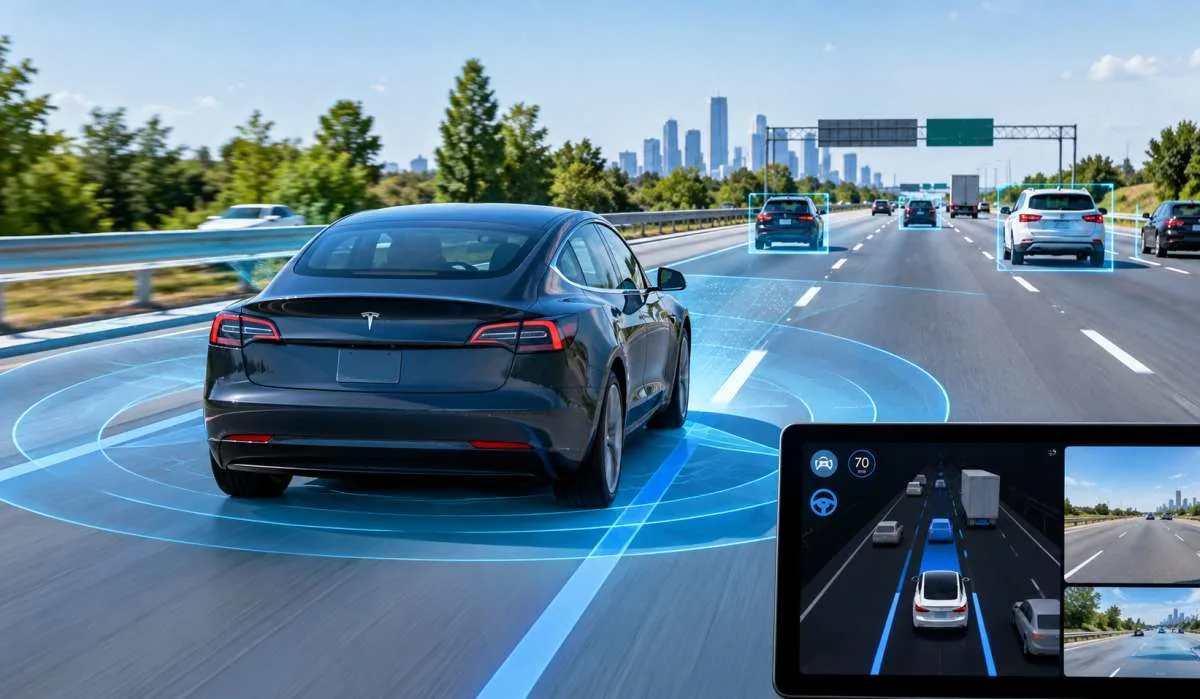
Tesla calls it Full Self-Driving (Supervised). That last word matters. The system drives for you, but you must stay alert and ready to take over at any moment. It is a Level 2 driver-assist system, not a robotaxi .
The name change happened because too many drivers took "Full Self-Driving" literally. Tesla wants to make it clear that you are still the driver .
Read More: Tesla Model 3 Long Range Review: Real Range and Battery
Latest FSD Version: v14 and Beyond
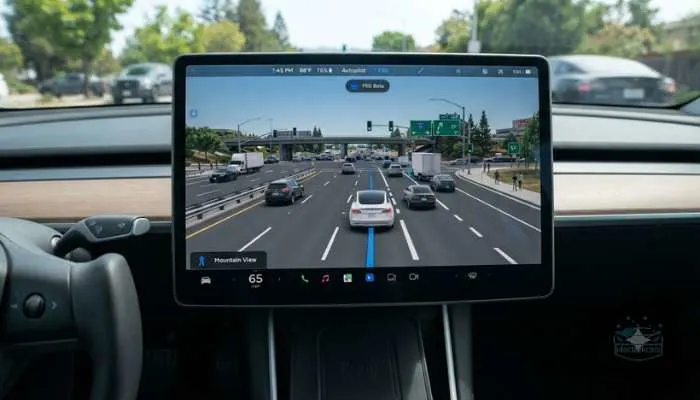
Tesla started rolling out FSD v14 in mid-2026. The current versions include v14.3.3 in New Zealand and v14.3.10 in North America .
The biggest improvement is speed of thought. Tesla rewrote the system's AI from the ground up. FSD v14 reacts about 20% faster than the old v13 software. In practice, the car commits to decisions earlier and more confidently, especially at intersections .
Other changes include better detection of emergency vehicles, school buses, and small animals. The system also handles complex intersections and roadworks more smoothly .
FSD Modes: Pick Your Driving Style
FSD now gives you four driving profiles. You change them on the move using the right scroll wheel on the steering wheel .
- Chill – Relaxed driving. Fewer lane changes. Smooth acceleration.
- Standard – The default. Balanced between speed and comfort.
- Hurry – More aggressive. The car drives faster and changes lanes more often.
- Sloth – New for 2026. Drives at lower speeds with more conservative lane choices. Best for nervous passengers or bad weather .
The Mad Max profile you may have heard about is not available everywhere. It stays in the United States .
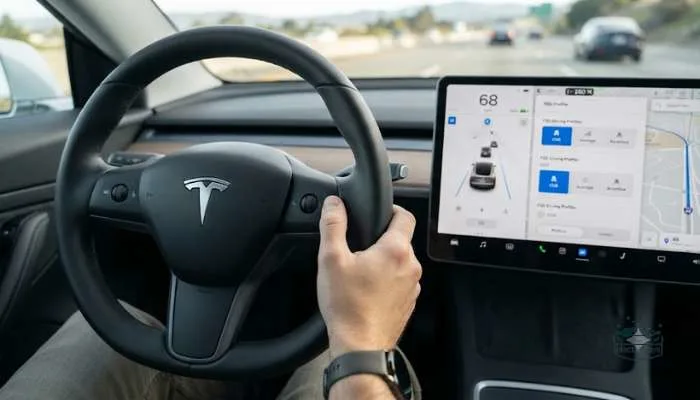
How to Activate Full Self-Driving on Your Tesla?
Starting FSD is simple. You have two ways to do it .
From Park
- Make sure FSD is enabled in your settings.
- Enter a destination in the navigation.
- Touch "Start Self-Driving" on the screen.
- Press the brake pedal if prompted.
- The car shifts into gear, pulls out, and starts driving.
While Driving
- Make sure FSD is available. You will see a gray steering wheel icon on the screen.
- Pull the right stalk down once (or press the right scroll wheel on newer models).
- FSD engages. The screen shows "Self-Driving" in blue.
To cancel, tap the brake or use the turn signal to take over .
How Long Can a Tesla Drive Itself?
This is the big question. The answer is complicated.
- In July 2026, a Tesla owner named David Moss set a record. He drove over 20,000 miles using FSD without touching the wheel or brakes. That is about 32,000 kilometers .
- But here is what that record does not mean. It was not one continuous trip. He stopped to charge. He drove across many states and provinces. And he was still supervising the whole time. The streak counter only tracks when you intervene, not whether the system drove perfectly .
Tesla's own website says FSD requires active driver supervision. You cannot sleep, read a book, or sit in the back seat . The streak feature is fun to track, but it does not prove the car is autonomous.
How to Get FSD on Your Tesla?
FSD is subscription only now. Tesla stopped selling it as a one-time purchase in early 2026 .
- The cost: $99 per month in the United States .
- What you need: Your Tesla must have FSD computer 3.0 or above. Older Hardware 3 cars are getting a "v14 Lite" version in some markets, but it is limited .
- How to subscribe: Open the Tesla app or use your car's touchscreen. You can cancel anytime .
One more thing changed. Tesla removed standard Autopilot from new Model 3 and Model Y cars. Basic lane-keeping now requires the FSD subscription. Traffic-Aware Cruise Control is still free .
You May Also Read: Tesla Model 3 Long Range Review: Real Range and Battery
What's New in the Latest Update (v14.3.10)
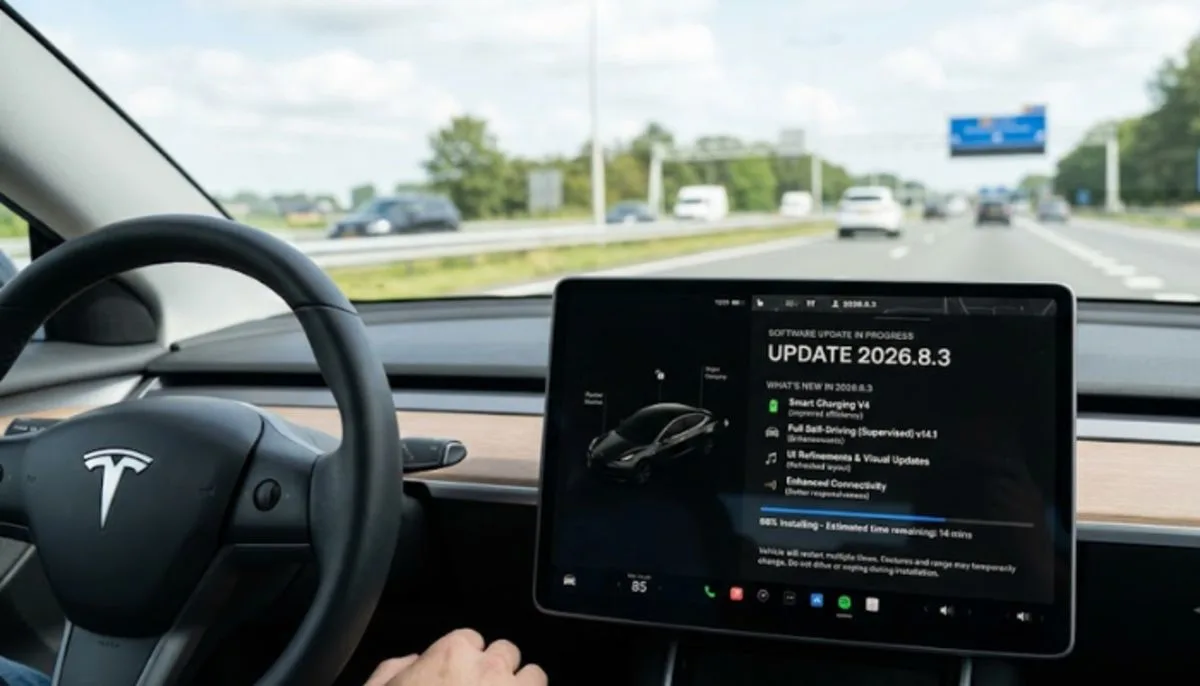
The September 2026 update brought a few changes :
- Automatic emergency avoidance – If the cabin camera sees you are not paying attention, or FSD disengages unexpectedly, the car can step in to avoid a crash.
- Faster system response – Tesla rewrote parts of the code for quicker decisions.
- Cybertruck V2H – Cybertruck owners can now use their truck to power their home through a Powerwall.
This update is rolling out to Hardware 4 vehicles first .
The Bottom Line
Tesla FSD in 2026 is more capable than ever. Version 14 reacts faster, drives smoother, and gives you more control over how the car behaves. The streak records are impressive. The technology is improving.
But it is still supervised. You are still the driver. The car helps, but it does not take over. If you want to try it, subscribe for $99 a month. Just keep your hands ready and your eyes on the road.
FAQs
1. Can I buy FSD outright now?
No. Tesla stopped selling it as a one-time purchase in early 2026. Subscription only. You pay $99 a month in the US. Cancel anytime through the app or your car screen.
2. What version is out?
v14. Sub-versions include v14.3.3 in New Zealand and v14.3.10 in North America. Tesla rewrote the AI from scratch. It reacts about 20% faster than v13. Better at intersections, emergency vehicles, and roadworks.
3. What driving modes does FSD have?
Four. Chill for relaxed driving. Standard for balanced. Hurry for faster lane changes. Sloth for slow, cautious driving. Switch using the right scroll wheel. Mad Max stays in the US.
4. How do I turn it on?
Two ways. From park: enter a destination, touch "Start Self-Driving," press the brake if asked. The car pulls out. While driving: look for the gray steering wheel icon, then pull the right stalk down once or press the right scroll wheel. To cancel, tap the brake or use the turn signal.
5. How long can it actually drive itself?
One owner hit 20,000 miles without touching the wheel or brakes in July 2026. But that was not one trip. He stopped to charge. He supervised the whole time. Tesla says you must stay alert. No sleeping. No reading. Hands ready.
6. Do all Teslas have FSD?
No. You need FSD computer 3.0 or above. Older Hardware 3 cars get a limited "v14 Lite" in some markets. Hardware 4 cars get the full experience first. Tesla also removed standard Autopilot from new Model 3 and Model Y. Basic lane-keeping now needs the subscription.
7. What is new in the latest update?
September 2026 brought automatic emergency avoidance. If the cabin camera sees you are not paying attention, or FSD cuts out, the car can step in to avoid a crash. Cybertruck also got vehicle-to-home power through a Powerwall. Rolls out to Hardware 4 first.
8. Is it really full self-driving?
No. Tesla calls it Full Self-Driving (Supervised). The car drives. You are still the driver. It is Level 2. Not a robotaxi. Keep your hands ready. Keep your eyes on the road. The name changed to make this clear.